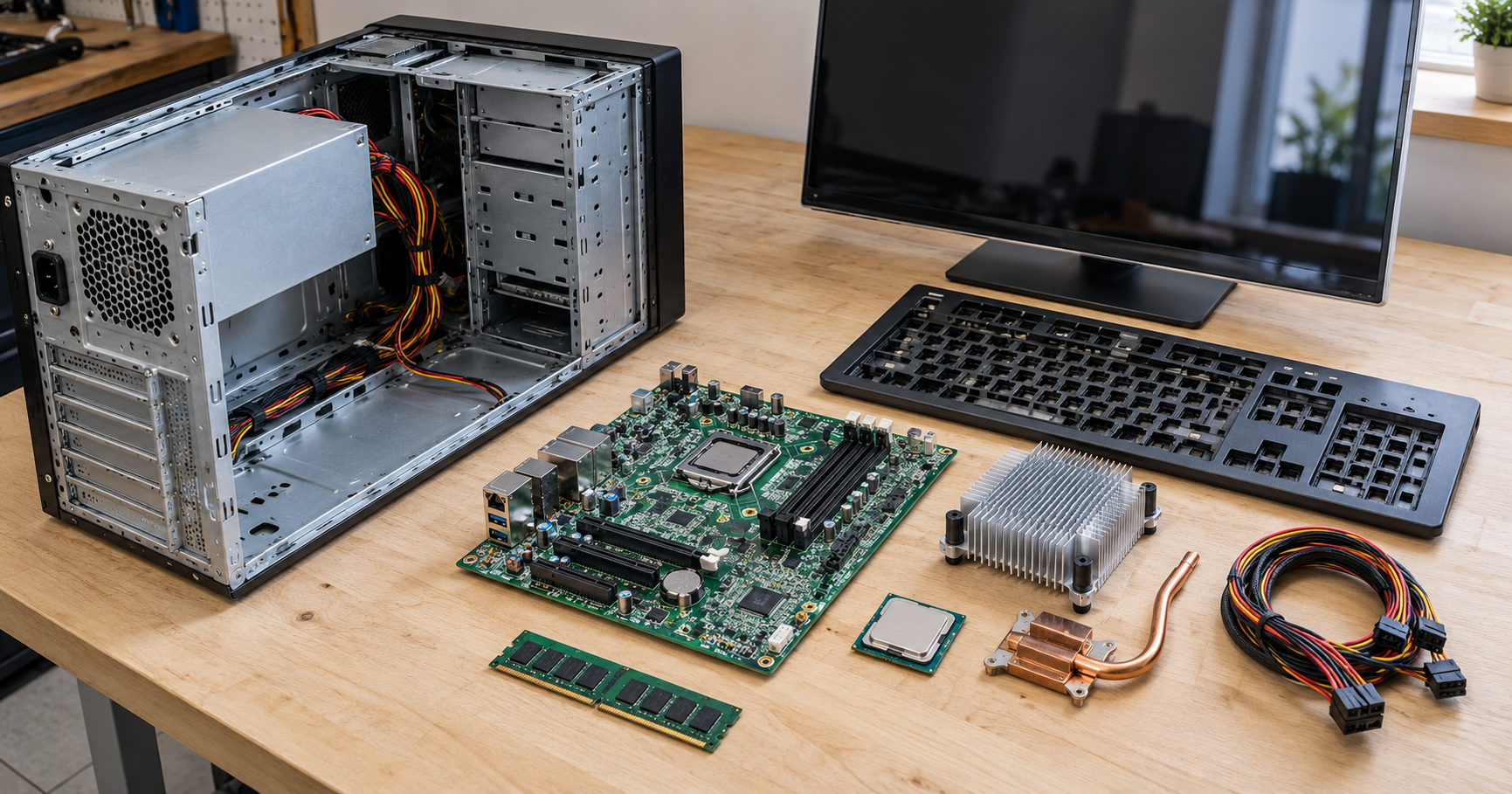
The device you used today, maybe a work desktop or kitchen-table laptop, shows only a screen, keyboard and case. Inside, you’ll find computer materials such as metals, plastics, glass and silicon.
Metals and silicon start in mines, while plastics come from oil refineries, often thousands of kilometres from your desk. At Chaire-Cycledevie, we’ve tracked each stage of a computer’s life since 2001, including extraction, manufacturing, and recycling.
The sections below cover the parts that need gold, copper and cobalt, and how mining harms workers and rivers. We’ll also look at the environmental impact of production and the technology that factories use to match output to demand.
By the end, you’ll know what to check before you replace or repair your current PC. Ready? Let’s jump in.
Computer Materials Found Inside a Typical Desktop or Laptop
A typical PC combines four material groups, and every type does a separate job.
Copper tracks and tin solder carry power around the circuit boards. Plastics shield the components and form features such as keycaps, while glass covers the screen.
Processors do most of the computing on wafers of silicon. The Royal Society of Chemistry’s element profile explains how tiny amounts of impurities control silicon’s semiconductor properties. Chipmakers add those impurities with great precision to build billions of transistors per chip, one factor behind the performance of personal computers.
Yet a laptop’s underside sticker names only the assembly country, and the box lists none of the raw materials inside. One device can hold dozens of elements from mines in Africa, Asia and South America.
Case material depends on mobility, since a laptop rides in a bag all day while a desktop stays put under a table. Laptop frames use aluminium or magnesium alloys, which are much lighter than steel. Desktop towers rarely move, so most use steel panels, which cost less than aluminium.
Next, let’s look at which parts hold the gold and cobalt mentioned earlier.
Which Electronic Components Depend on Gold, Copper and Cobalt?
Connectors, heat pipes and laptop batteries depend most on gold, copper and cobalt, while drives and capacitors need neodymium and tantalum. The table below shows the job each metal performs inside the electronic components.
| Metal | Where You’ll Find It | What It Does |
| Gold | Connectors and pins | Keeps contacts conductive for years |
| Copper | Heat pipes and wiring | Carries processor heat to the heatsink for efficient cooling |
| Cobalt | Laptop batteries | Helps each cell hold a high charge at a low weight |
| Neodymium | Hard drives and speakers | Forms the magnets inside drive motors and speakers. |
| Tantalum | Capacitors | Stores quick bursts of electricity. |
The Royal Society of Chemistry’s gold profile notes that the metal conducts electricity and resists corrosion, so brands pay extra for gold electrical contacts. A corroded contact can drop a monitor signal or stop a charger working.
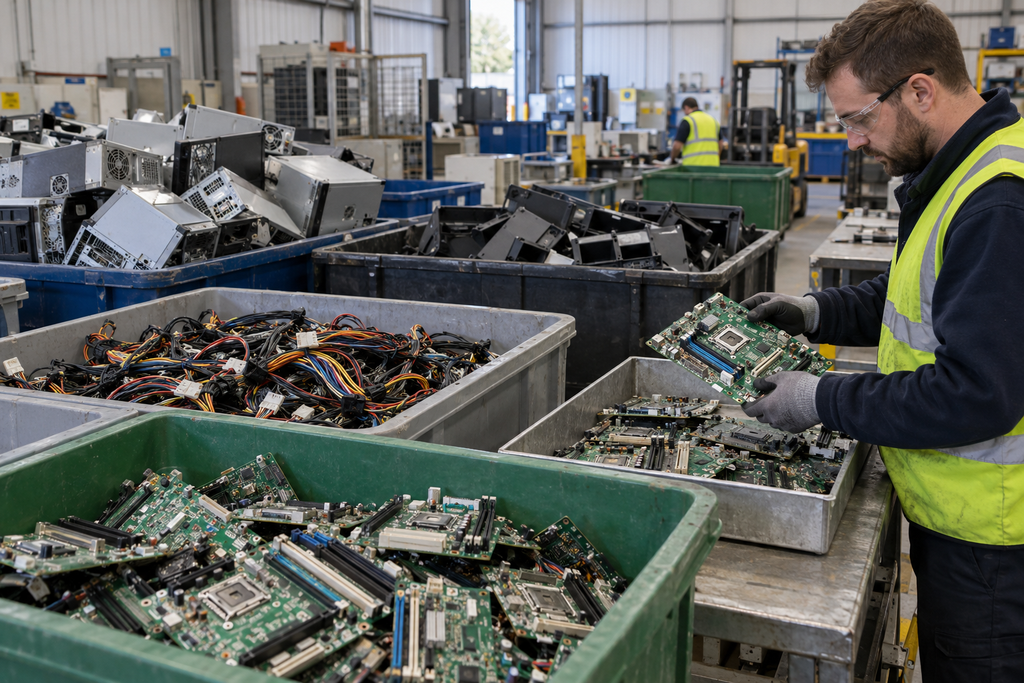
Pro tip: old hardware belongs at a specialist recycling site, where staff can recover the five metals (the drawer of dead gadgets counts too).
Recycled supply helps, yet most cobalt still comes from fresh mining.
Sourcing Parts: Supply Chain Risks for Miners and Buyers
Near Kolwezi in the southern Democratic Republic of the Congo (DRC), thousands of workers dig cobalt with hand tools in informal pits. Amnesty International’s 2016 report, This Is What We Die For documented children working in these pits, many are without gloves or masks.
The cobalt trade does fund jobs and economic growth across Lualaba province. However, acid run-off from the mines pollutes nearby rivers and farmland (local farmers pay for the dirty water).
Buyers face a separate risk, since about three-quarters of the world’s cobalt comes from the DRC, according to the US Geological Survey. The British Geological Survey’s overview of technology mineral supplies flags cobalt sourcing as a supply concern.
Conflict-mineral laws don’t cover cobalt. EU and US rules require companies to trace only tin, tantalum, tungsten and gold, which have funded armed groups in eastern Congo.
Even for covered metals, tracing creates supply chain challenges, because a single chip’s raw materials pass through mines, smelters and factories in different regions. Inside those factories, production draws heavily on water and electricity and releases carbon.
The Environmental Cost of Making One Computer
Every new computer brings two environmental concerns: factory carbon and the toxic substances manufacturers must keep out of the finished machine.
Carbon Footprint: Most Emissions Come From Manufacturing
The factory stage accounts for the largest share of a computer’s lifetime carbon emissions. Apple’s product environmental reports, for example, often attribute 70% or more of a laptop’s lifetime emissions to production.
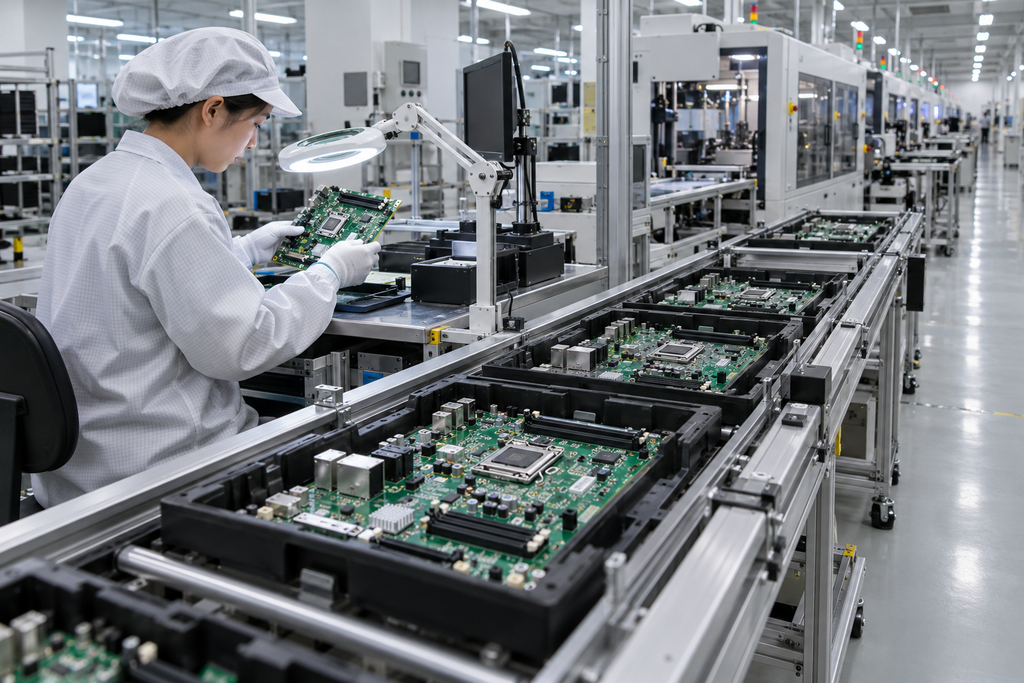
Chip plants drive a significant part of the factory emissions. Advanced manufacturing processes in chipmaking run on heavy electricity loads, ultra-pure water and industrial gases.
For buyers, a replacement model may offer better energy efficiency than your current PC. The savings on your electricity bill rarely offset the ecological footprint of building the new machine. If you keep your PC for two extra years, you’ll lower the build emissions per year of use.
Environmental Rules That Limit Lead and Mercury in Computers
Environmental rules cap the toxic chemicals allowed inside your computer and limit harm to the environment after disposal. The EU’s Restriction of Hazardous Substances (RoHS) Directive has limited lead, mercury and cadmium since 2006 (four plastic additives joined the list in 2019). The list now covers ten hazardous materials.
GOV.UK’s RoHS guidance confirms that, after Brexit, the UK substance restrictions kept the same ten-item list. What’s more, Waste Electrical and Electronic Equipment (WEEE) regulations use Extended Producer Responsibility (EPR), so manufacturers pay to collect and recycle end-of-life hardware.
RoHS and WEEE deal with finished hardware. Software can tackle a different problem: building machines nobody buys.
Can Machine Learning Help Factories Stay Ahead of Demand?
Yes, machine learning helps factories cut waste by predicting demand and planning for part shortages. Across the industry, some forecasting tools use neural networks, a type of artificial intelligence, to find patterns in years of inventory and order records.
Predictive Analytics Matches Production to Real Demand
Predictive analytics studies past sales and market trends to estimate how many machines shoppers will buy. Accurate estimates help brands manage inventory and avoid scrapping unsold stock.
Proactive Obsolescence Management Plans for Discontinued Chips
Proactive obsolescence management is a form of strategic planning that tracks component life cycles and spots chips that suppliers will soon discontinue. Manual checks are time-consuming, so engineers load lifecycle data from chipmakers into software systems that flag obsolete components months or years ahead.
Early warnings let a brand make a last-time buy (one final bulk order) of the outgoing model. The other option is a circuit board redesign around chips still in production.
Both routes keep spare parts in stock to support repairs (nobody enjoys hearing “sorry, that part’s discontinued” from a technician). Stockpiles only help, though, if the case opens easily enough for owners or repairers to fit new components.
Modular Designs: Replace Parts Without Replacing the Whole Computer
Plenty of us have binned a laptop with a perfect screen and keyboard over a worn-out battery. A modular PC lets you replace the failed part and keep the rest, and Framework laptops even let owners swap the mainboard.
Repairability starts at the design phase, when engineers fix access panels with standard screws.
Modular designs give you two ways to fix or upgrade your own hardware:
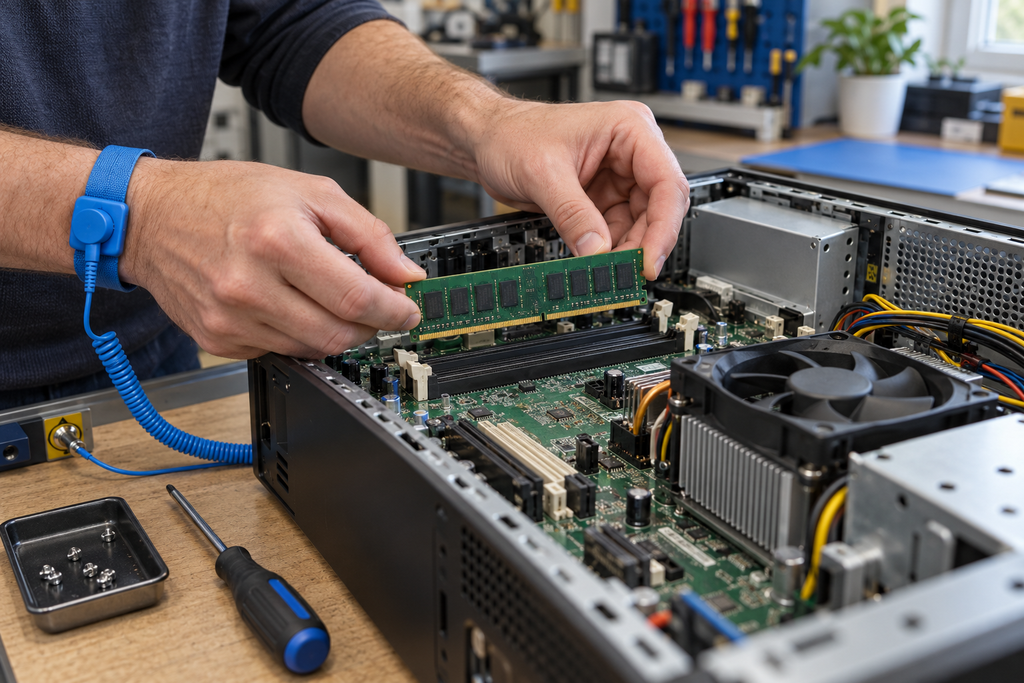
- Swap the Battery: If your machine dies before lunch, you’ll only need a replacement battery pack. A basic screwdriver usually opens the panel, so the quick fix needs no specialist tools.
- Add Memory and Storage: A sluggish desktop or laptop often speeds up once you double the memory or fit a solid-state drive. Most desktops and many business models still have slots for both upgrades. Your old drive can then find a buyer on the secondary market.
Chaire-Cycledevie’s guide on computer repair and maintenance explains how repairs reduce electronic waste. Each fix delays a new purchase and cuts demand for newly mined metals. The Royal Society of Chemistry’s report on recovering precious elements calls for repairable, recyclable electronics, because some metals are hard to reclaim.
What Computer Materials Mean for Your Next Upgrade
Every computer depends on mined metals, factory energy and rules that keep toxic substances out. With the facts above, you can judge each new release on long-term environmental impact.
Before your next upgrade, look up three things: the repairability score, the share of recycled content, and any take-back scheme. When you buy models that meet those three tests, you reward brands with sustainable practices. Good signs include recycled aluminium cases and user-replaceable batteries.
For help with repair, recycling, and each stage of a device’s life, contact us at Chaire-Cycledevie.