Everyday computers hide silicon, copper, gold, aluminium and rare earth metals inside their chips, boards and drives. A plastic case covers the lot, so you never see any of it. Yet these computer materials decide how long your PC lasts and where it ends up.
Most buying advice stops at speed and storage, so the mining behind each part stays hidden. At Chaire-Cycledevie, we follow a computer’s whole life, from raw rock to the recycling bin.
This guide names the metals inside the CPU, the motherboard, the memory, and the drives, then shows what green computing does with them. You’ll also see why recovering those metals beats digging up new ones. We’ll start with the details of various raw materials.
From Silicon to Gold: Raw Materials in Everyday Computer Components
Your desktop machine holds dozens of elements from the periodic table. It even contains traces of real gold. Inside every board, these elements work as wafers, foils, and plated contacts.
In an assessment, the British Geological Survey rates 34 of the 82 materials it checked as critical. Many of them end up in the physical components of an ordinary PC. Since technology relies on mining to supply every one of them and demand keeps climbing, it’s worth knowing where they sit inside your machine.
Now, we’ll walk through the three areas that hold most of them, starting with the processor.
1. Silicon and the CPU: What Every Processor Is Made Of
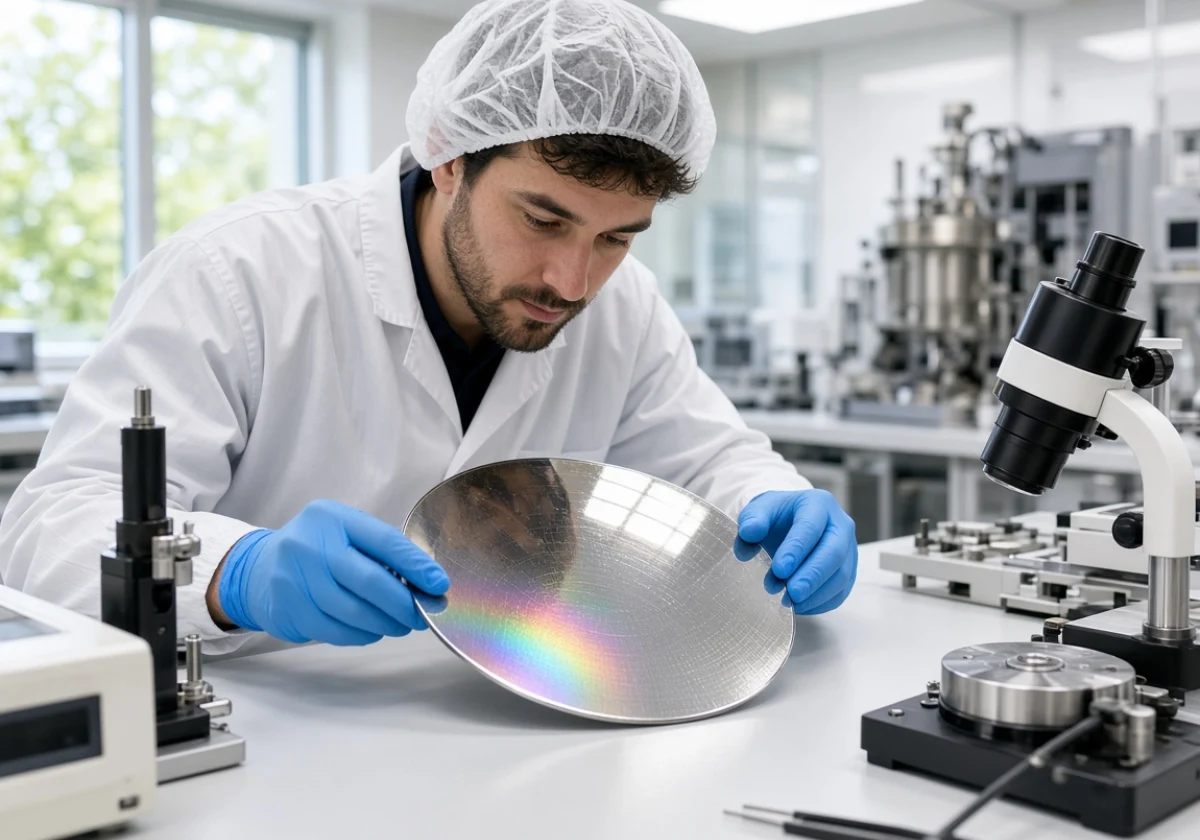
Every CPU starts life as ordinary sand. Refiners purify that sand into silicon wafers, then print billions of tiny switches onto each one.
Inside the central processing unit, the arithmetic logic unit handles every sum and comparison the machine needs. People call it the brain of the computer for good reason. Its clock speed counts billions of cycles per second. Computer Science lessons cover computer hardware basics like what the CPU does, though rarely what it’s made of.
Silicon alone wouldn’t do much, so copper and tungsten wiring links those switches together. Gold plating on the base carries the finished signals out to the rest of the board (the maths still needs a path to travel).
2. Copper, Gold and Tin Across the Motherboard
Step out from the processor, and the motherboard spreads copper in thin sheets through the board itself. Tin solder holds every component in place, while gold plates the contacts that would otherwise corrode.
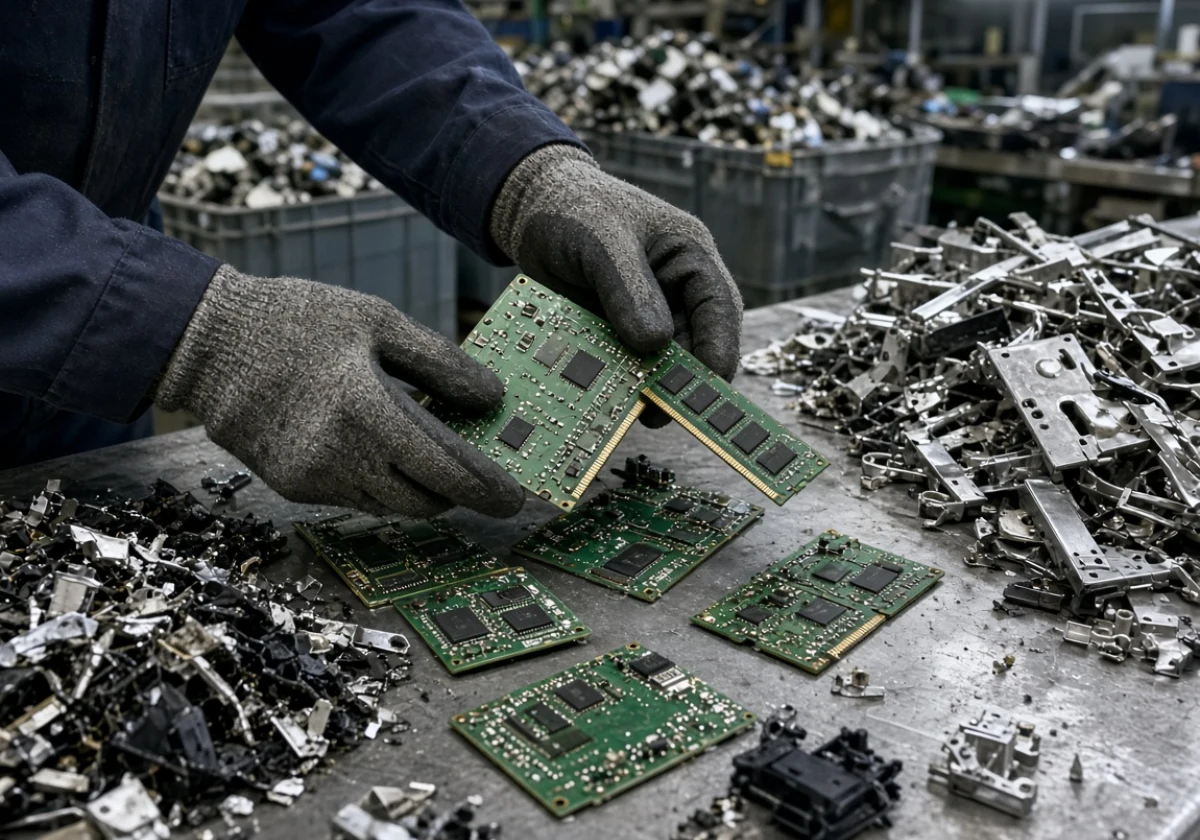
Those plated edges add up once a machine reaches a scrap yard. On average, gold recovered from circuit boards runs to around 165g per tonne, worth about £9k. Input/output ports along the back edge carry the same thin plating (which is why collectors strip those edges first).
Having traced this path for readers again and again, we always point at the yellow connector strips before anything else. Tilt an old board under a lamp, and they stand out straight away.
3. Where Rare Earth Metals Hide in Memory and Speakers
Despite rarely appearing on a spec sheet, rare earth metals sit in two obvious places inside your computer. Specifically, neodymium magnets drive the speakers, and the same magnets spin the platters in a hard disk drive.
Speakers count as output devices, so every alert sound from your PC leans on one of those magnets. If you’ve ever pried a magnet out of a dead drive, you’ll know how fiercely it grips.
Apart from that, retailers list the sticks under memory RAM (Random Access Memory), and each one carries tantalum, nickel and a thin gold edge connector. RAM works as primary memory, the temporary storage your machine thinks in.
Mining and separating those metals takes enormous energy. That’s why a new West Midlands plant now recovers magnets from scrapped drives instead of fresh ore.
Comparing Computer Materials Across Storage, Power and Graphics
Once you know which metals sit inside each part, upgrade and recycling choices get easier. Each of these hardware components carries a different mix, so the scrap value shifts from one to the next (weight and resale value rarely line up neatly).
The table below sets four main components against what they’re built from.
| Component | Main materials | What recycling recovers |
|---|---|---|
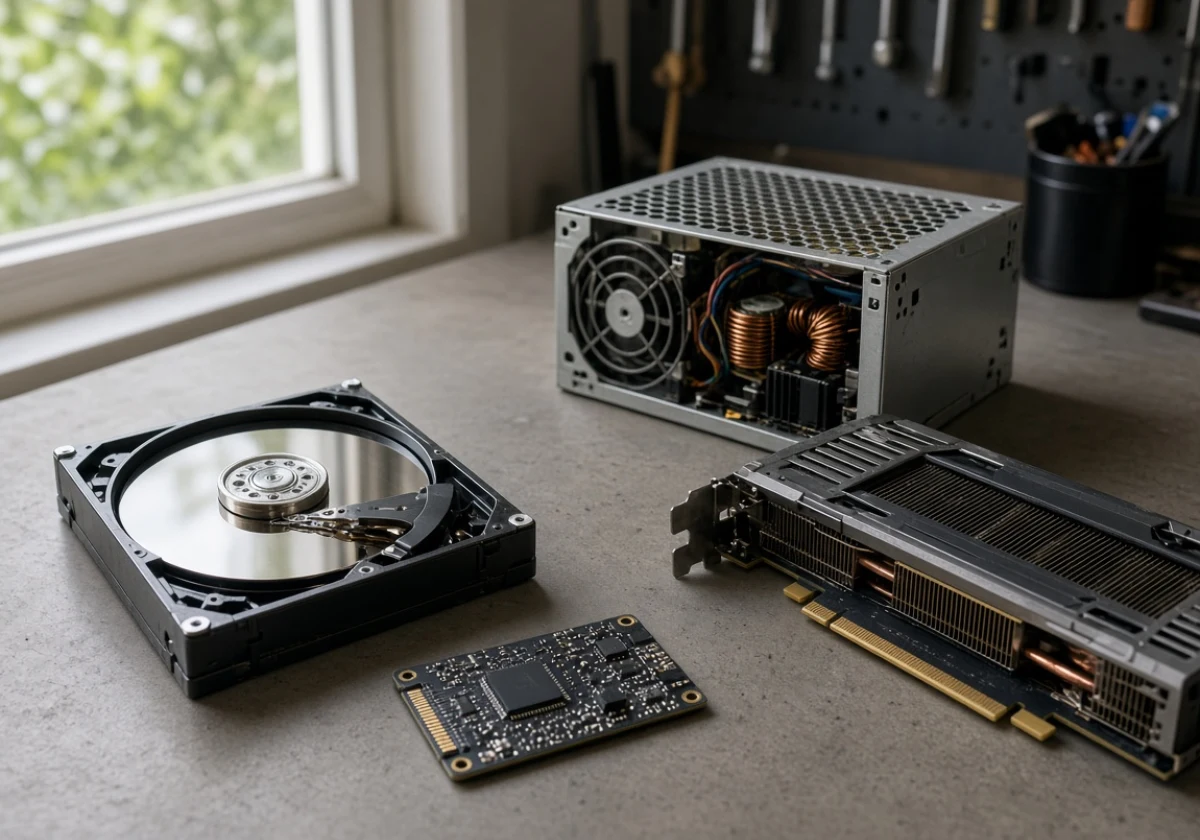
| Hard drives | Aluminium platters, neodymium magnets, steel case | Magnets and clean aluminium |
| SSDs (secondary storage) | Silicon flash memory chips, copper traces, tin solder | Silicon and solder metals |
| Power supply | Copper windings, steel housing, aluminium heat sink | Heavy copper, the best earner |
| Graphics cards | Gold contacts, copper, silicon, aluminium cooler | Gold edging and bulk copper |
Copper and aluminium carry the weight across all four, while gold turns up in small amounts that pay well. A cooling fan bolted to these internal components adds more aluminium, light but easy to recover. We suggest you check the table before you bin an old PC, because the heaviest parts often cover the cost of handling them.
Green Computing Gives Old Hardware a Second Life
Now that you know what each part contains, let’s look at what green computing does with those materials. Green computing means running, repairing, and retiring the components of computer systems so they waste less energy and less metal. The work starts years before anything reaches a bin.
In practice, the first move is keeping hardware running longer. Adding RAM or fitting a bigger drive keeps a six-year-old PC useful, and secondhand PC components make that cheap. Those extra years keep the silicon and copper inside it in service.
Reuse beats recycling, because melting a board destroys all the work that went into it. You might be surprised to hear that the University of Surrey stated only around 2% to 2.5% of devices at one municipal recycling centre were suitable for reuse. It suggests how a lot of working kit gets scrapped by default.
We hear the same story most weeks: one failed drive, one whole computer system thrown out. Our life cycle work keeps pointing the same way, since a repair protects far more metal than any smelter ever recovers.
Before you pass a machine on, wipe the hard drive and read the recycler’s Privacy Policy. Otherwise, your files travel out of the door with the metal. One wipe keeps your data safe and keeps a working CPU out of the shredder.
Why Is Sustainable Electronics Recycling Worth the Effort?
Sustainable electronics recycling recovers gold, copper, and rare metals that would otherwise come from fresh and damaging mining. Most of the case for it rests on what already sits in your cupboards at home.
Each point below sets out what that effort gives back.
- Metals Arrive Pre-Refined: Smelters already purified the gold, copper and tin inside old kit, so much of the hard work is done. Pulling metal from a scrap circuit board takes a fraction of the energy that raw ore demands. Hand boards and drives to an accredited WEEE recycler rather than the general bin, so that refined metal returns to a smelter instead of landfill.
- Mining Pressure Eases: Fresh ore means new pits, heavy water use and waste rock left on the surface. Every tonne of recovered copper is a tonne nobody has to dig out. Start with power supplies and cables, since they carry the heaviest copper, and take them to the small electricals bay at your local recycling centre.
- Hoarded Kit Comes Back: Across the country, old phones, laptops and components sit unused in drawers, still holding gold, silver and platinum. With every year they wait, batteries degrade and the chance of reuse slips further away. Most large electrical retailers run take-back schemes, so bring an unused laptop or phone along on your next shopping trip.
Sorting your old kit into keep, pass on and recycle costs an hour at most before your next clear-out. Even one drawer of cables, drives and chargers returns metal that a mine would otherwise have to supply.
Give the Materials in Your Machine a Longer Life
Your computer holds a small store of silicon, copper, gold and aluminium. When you know which components hold what, you can change how you repair, upgrade and finally retire the machine.
Keep it running while it still does the job you bought it for. Then route every board and drive deliberately, so the metal stays in use rather than sitting in a hole in the ground.
Chaire-Cycledevie explains the full life cycle of computers for readers who want responsible choices. Contact the team to ask what sits inside your own hardware and where it goes next.