
Technology choices should consider more than performance, because energy use, lifespan and environmental footprint influence what a device really costs you. Honestly, performance is the easy part to measure, but a benchmark score only describes the first week of ownership.
Even so, most buying advice stops at the spec sheet and never looks past that first week. Chaire-Cycledevie looks at the whole life cycle of a computer instead, from raw material extraction through use and repair to recycling.
This guide covers the energy hiding behind quick processors, what to ask about lifespan, and how sustainable technology choices work at home. Read on to see two buying approaches compared side by side, and find out which one leaves you better off long after that first week.
Why Performance Alone Is a Poor Guide to New Technologies
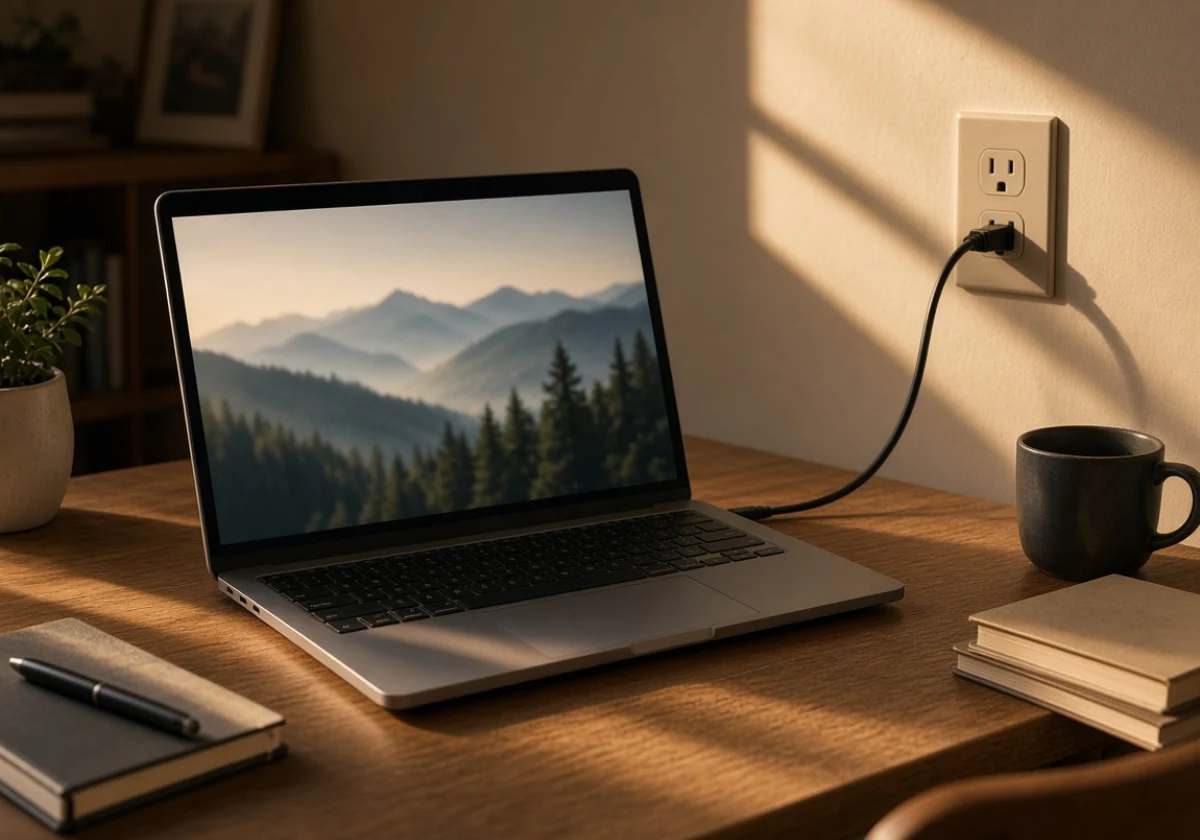
Performance alone is a poor guide to new technologies, as a benchmark score says nothing about the power a device draws, how long it lasts or where it ends up.
In practice, two laptops with identical specs can use very different amounts of energy over their working lives. One colleague might run theirs flat out and bin it after three years, while another uses it lightly, fits a new battery and passes it on.
Speed still counts, but three other costs decide what a device is worth owning.
The Energy Costs Hiding Behind Fast Processors
Faster chips pull more power under load, and that energy consumption lands on your electricity bill every quarter. Run that chip hot all day, and the cost keeps building with every hour it works, yet it never appears on the spec sheet.
The same link between heavier computing and higher energy use holds on a much larger scale. Artificial intelligence is the clearest example. As AI use grows, 2025 research from the University of York points to rising energy demand from the data centres that support it. And unfortunately, that power still comes from fossil fuels, and CO2 emissions rise as those data centres take on more AI work.
So when you compare processors, ask which machine handles your real work without running flat out (a mid-range chip often finishes the job).
What a Computer Buying Guide Should Ask About Lifespan
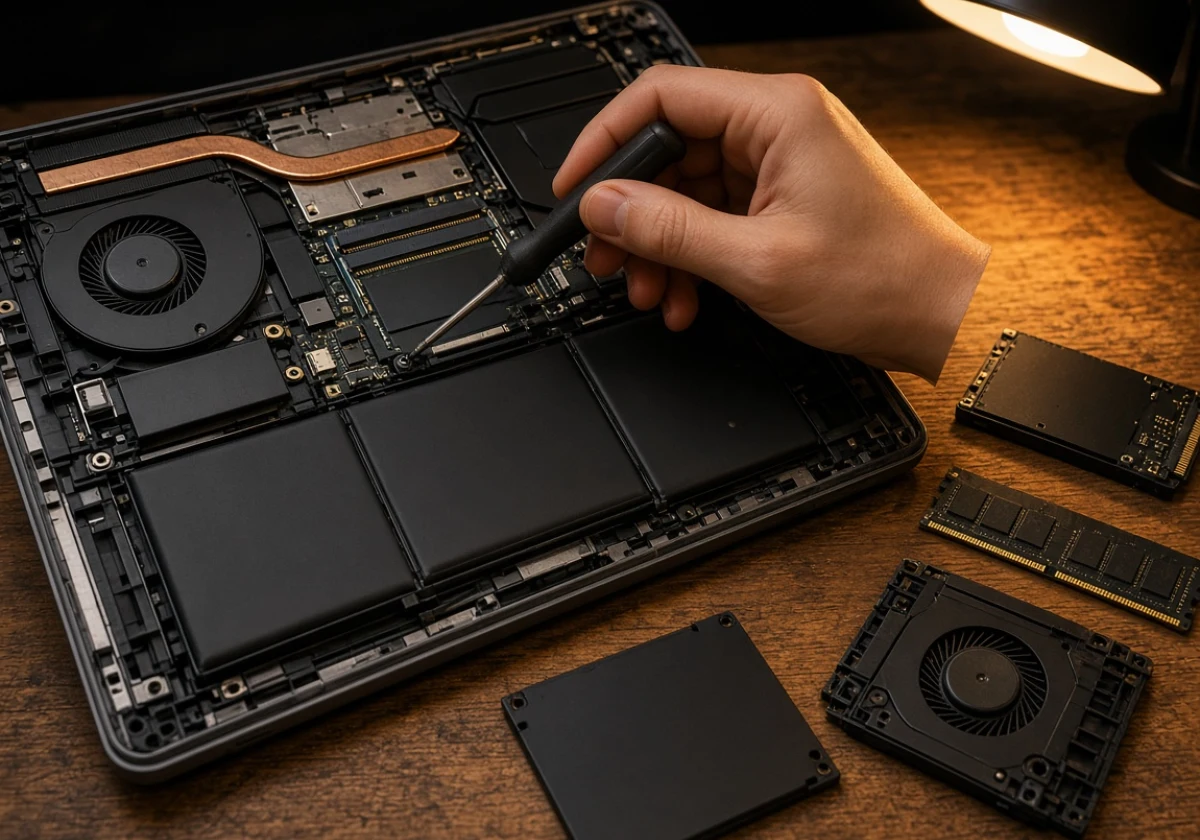
A useful computer buying guide should ask how long a machine stays worth using rather than just how quickly it boots. Start by checking whether the battery, storage and memory come out with ordinary screws.
Beyond that, repairable design is sustainable engineering in practice. A laptop you can open and fix stays out of the bin for longer, and that simple act of waste reduction is where the circular economy begins.
It’s also why we look past how a machine performs day to day. We’ve seen how raw material extraction, repairs and disposal contribute to a computer’s environmental impact alongside everyday use.
Finally, before you pay, ask about spare parts and the length of software support (both sit in the small print). Without spares, one broken hinge or worn battery can end a machine’s life. And once security updates stop, even working hardware becomes unsafe to use.
Responsible Electronics and the E-Waste Problem
Responsible electronics means deciding where a device goes once you finish using it. Generally, old phones and laptops hold copper, gold and other materials that mining pulls from the ground only once. So every binned handset adds to resource consumption.
Even so, many old devices sit unused in kitchen drawers alongside spare chargers and tangled cables. To collect them, councils across the UK run free collection points for electronic waste, and plenty of high street retailers take back old units.
Before you drop anything off, remember that passing a working machine on beats recycling it. Reuse keeps the original resources in service, and that is where resource efficiency begins. Although recycling returns some materials, it never recovers the energy already spent on manufacture.
What Do Sustainable Technology Choices Mean for Your Home?
At home, sustainable technology choices mean devices that use less power, last longer, and let you repair them instead of replacing them. The hard part is spotting those devices in a shop, where nearly every box claims to be eco-friendly and the real evidence sits in a few specific places.
These signals tell you whether a product lives up to its eco-friendly claim.
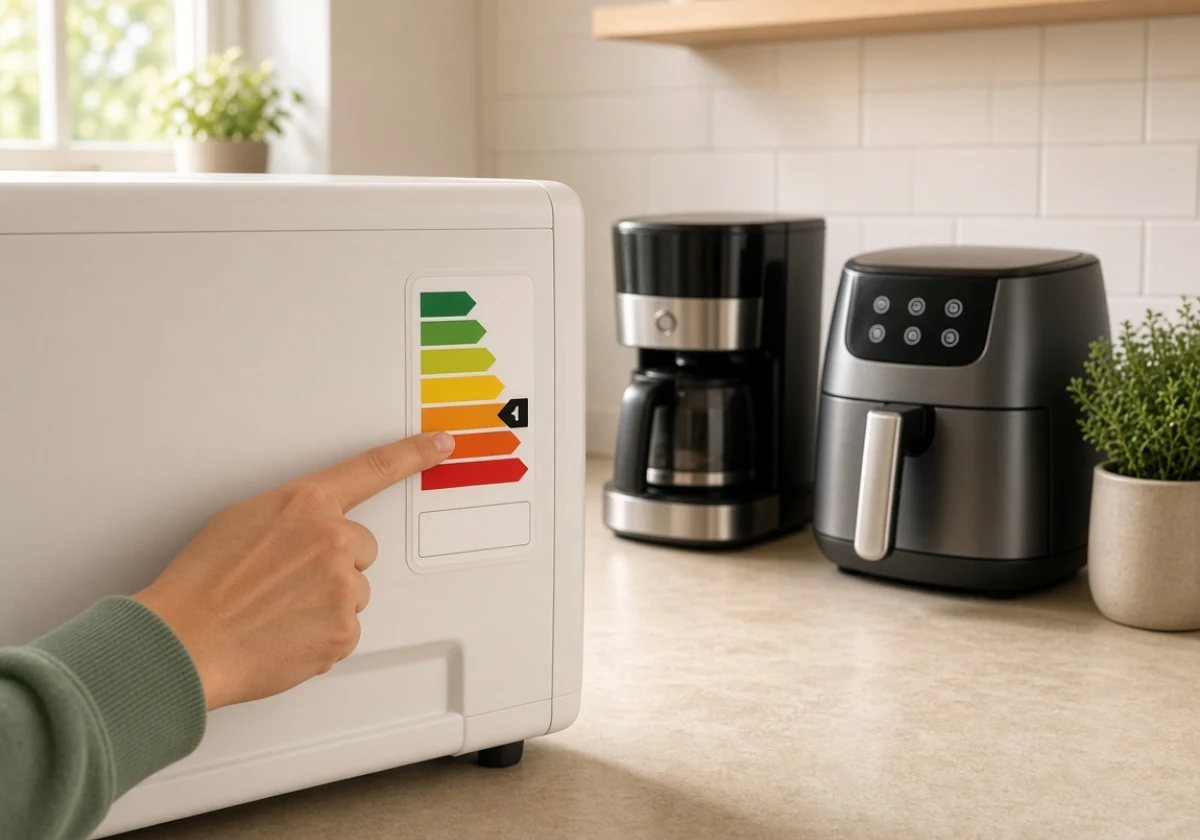
- Energy Efficiency Ratings: Labels rank a product’s energy use on one simple scale, so comparing models takes seconds. GOV.UK guidance on energy labels says clear energy labelling helps consumers make informed purchasing decisions. It also encourages competition between manufacturers in relation to improving energy efficiency.
- Repairable Design: Look for ordinary screws, published manuals and parts you can order yourself. Devices built this way often stay useful long after a sealed rival has gone to the tip.
- Recycled And Recyclable Materials: Some brands publish how much recycled aluminium or plastic goes into each product, which is the clearest signal of sustainable materials on a shelf full of claims. Clear labelling further lets you reward the companies doing the work properly.
- Honest Company Commitments: Behind every green technology claim sit supply chains you can check. Look for named targets and published progress towards a sustainable supply chain rather than vague promises about a greener future.
Taken together, these four signals cover a device’s whole life, from the power it draws to the repairs it allows. They also show what the device is made from and who stands behind it.
Remember, a product that includes all four signals has earned its eco-friendly claim, while one that offers only a green logo and a vague promise has not.
Comparing Devices on More Than Speed
Comparing devices on power draw and lifespan often saves money while helping reduce carbon emissions at home. However, buyers don’t always give these factors the same priority.
The table below compares performance-first and sustainability-first approaches to buying a device.
| What You Compare | Performance-first Purchase | Sustainability-first Purchase |
|---|---|---|
| Upfront price | Higher, since top specs carry a premium | Mid-range, with money going into build quality |
| Running costs | Climb with power draw and cooling | Stay low, because efficient parts draw less power |
| Expected lifespan | Shorter, replaced once it feels slow | Longer, stretched by battery and memory upgrades |
| Repair options | Glued parts and specialist service only | Standard screws and spares you can order |
Honestly, neither column wins every time. A video editor, for example, has good reason to pay for raw speed.
For everyday work, however, an efficient and repairable device may offer better long-term value. Compare individual models before buying, since a powerful device can still be energy-efficient and easy to repair.
Building a Future Where Green Technology Shapes Every Purchase
Once you start weighing environmental responsibility alongside speed, every upgrade becomes a chance to choose greener technology. The good news is that shift needs no grand plan, only the habit of asking two extra questions before you pay.
Small purchasing decisions can seem insignificant beside headlines about solar panels, renewable energy sources and carbon capture. But when millions of household decisions add up, they shift what manufacturers choose to build.
And if you’ve ever kept an old laptop going with a fresh battery, you’ve already avoided the mining and factory energy a new machine would need.
Currently, sustainable tech isn’t a separate shopping category any more. A solar-powered data centre reduces reliance on fossil fuels, while a longer-lasting laptop reduces demand for new materials. Less demand means fewer greenhouse gas emissions, regardless of who generates the power.
Your next purchase is a good place to start. A simple buying rule can help you choose a device you’ll keep for years. Sustainable practices stick when they’re easy, so pick one rule you’ll keep. One considered upgrade a year, chosen for repairability, beats a shelf of gadgets you replace on impulse (the shelf fills quicker than anyone admits).
Across a decade, those small sustainable choices build real momentum. Our research into computer manufacturing shows that extending a device’s life reduces the need for new materials and production.
Make Your Next Upgrade Count
Processor speed still counts, but it only shows how a device performs on day one. What you really pay depends on how much power it draws, whether you can repair it, and what happens to it when you stop using it.
So before your next purchase, check the energy label and ask what the repair route looks like. Those two minutes of questions can add years to a machine.
Chaire-Cycledevie shares practical guidance on the life cycle of computers for anyone weighing up green technologies. Contact the team to understand how your next device affects the planet and what a better option looks like.